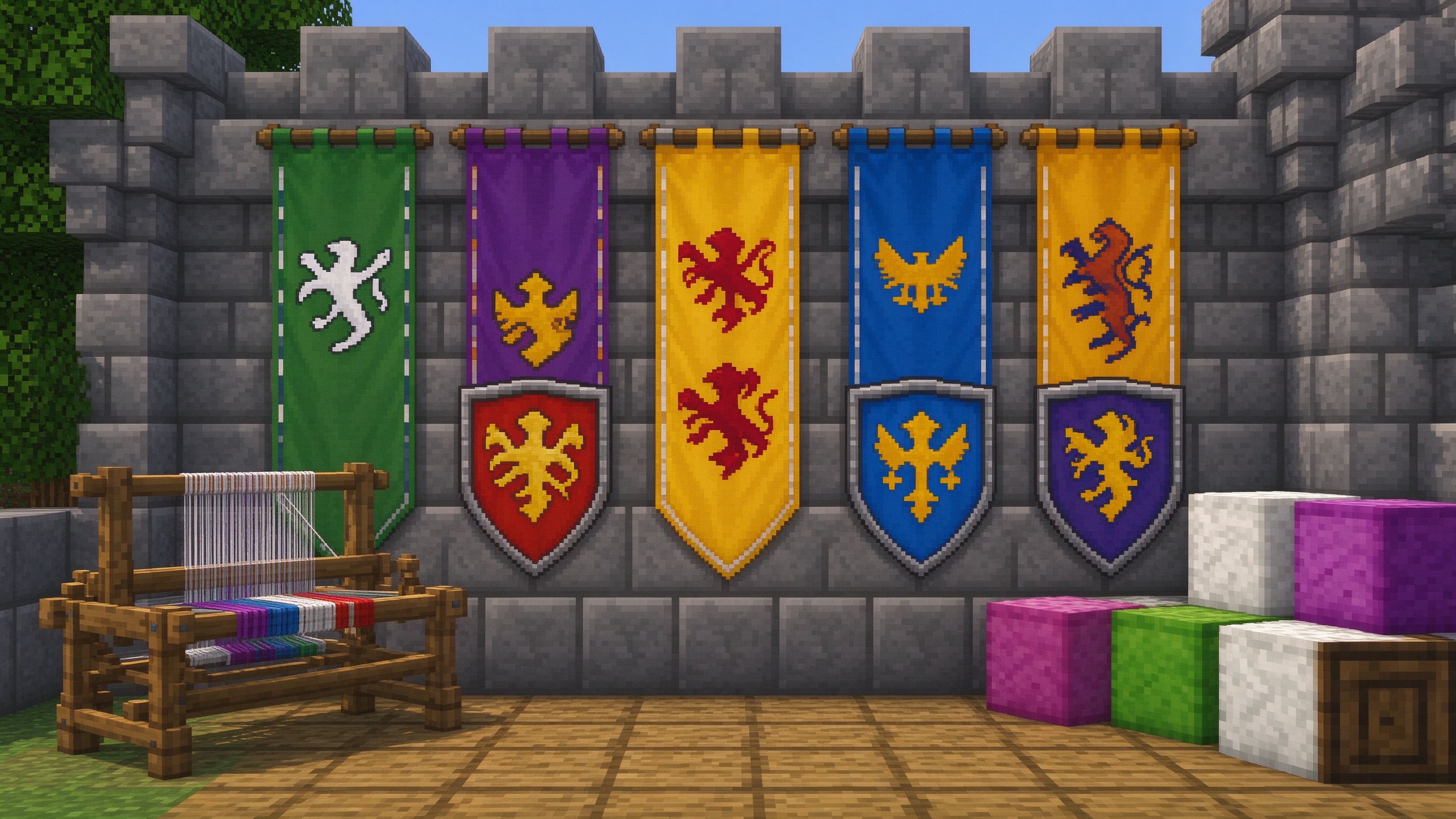
Design your guild banner or shield emblem step by step. Choose a base color, add up to 6 patterns, and the editor composes the final look and outputs the exact /give command for Java or Bedrock.
How to use
- Pick the base color of the banner.
- Choose a pattern (stripe, cross, border, chief, diagonal, skull).
- Set the pattern color and generate — the tool returns the banner command and the loom recipe steps.
Pattern rules
- Banners allow up to 6 pattern layers in Java (more with commands).
- Patterns are applied in order — the last one sits on top.
- Shields accept the same patterns; hold a shield and right-click a banner to transfer it.
Common questions
Why does my pattern not show? Check that the pattern color differs from the base color — identical colors are invisible. Also confirm the pattern is applied after the base coat on the loom.